Sent has an official ChatGPT plugin
Send messages, check delivery and readiness, and manage contacts and templates directly from ChatGPT.

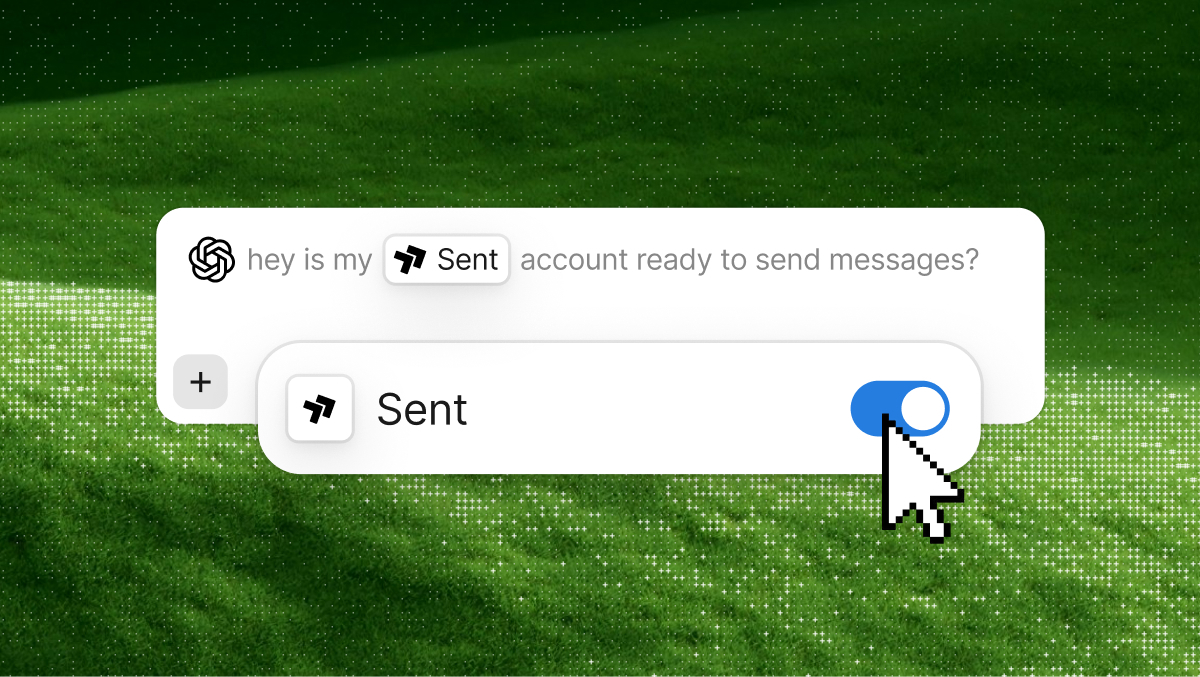
Send messages, check delivery and readiness, and manage contacts and templates directly from ChatGPT.
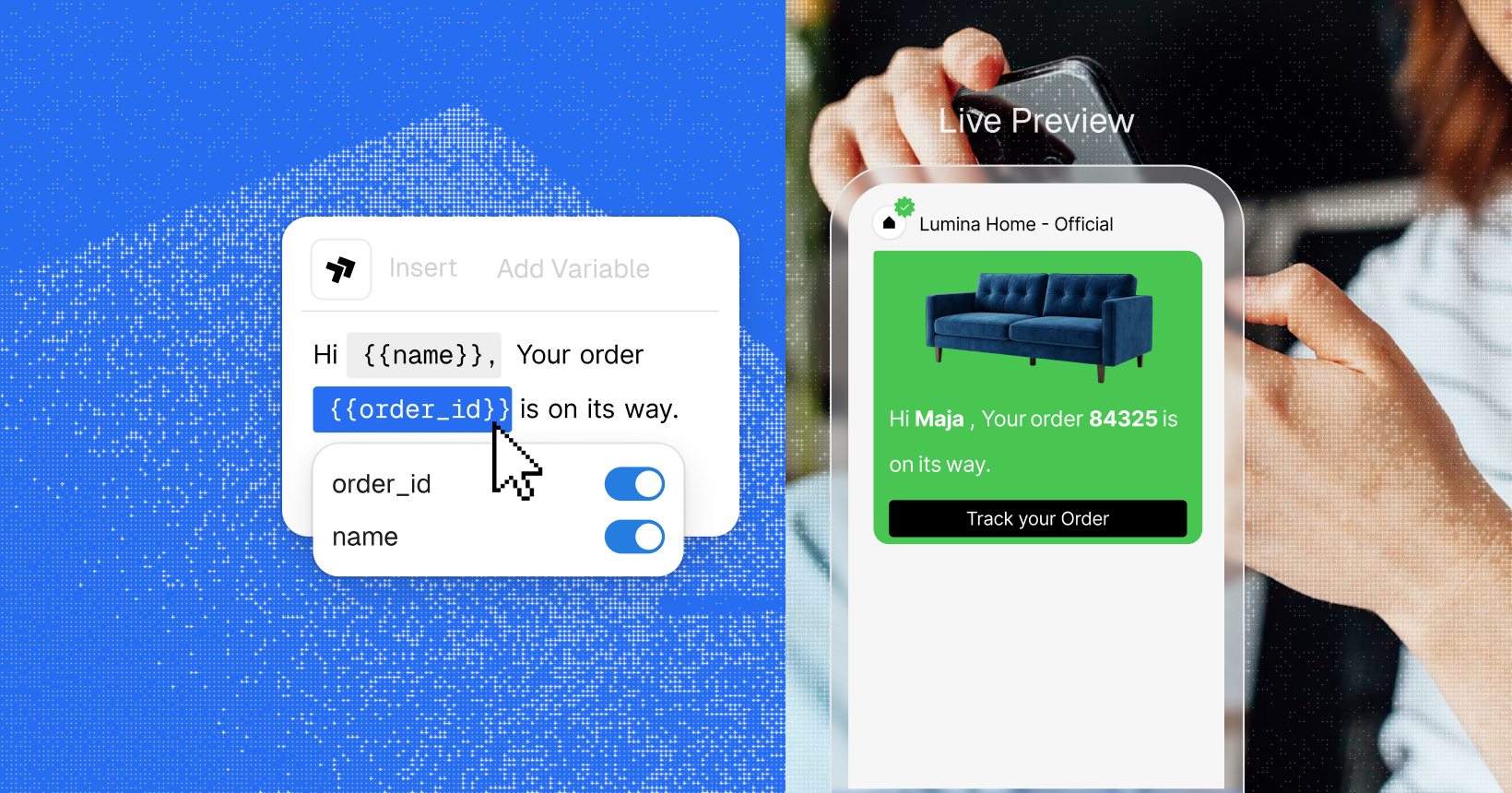
The new template editor previews every channel as you type, flags what Meta or a carrier would reject, and hands you the code to send it.

The sent crate brings all 82 operations of API v3 to typed async Rust, with pagination, retries and idempotency built in.

Runners share a link, friends pick the milestones they want, and everyone gets a text as the runner reaches them. Here’s how we built it in an afternoon with the Sent API.
One API. Every channel.
Get Started
Connect the plugin and ChatGPT can send and track messages on SMS, WhatsApp and RCS, and reach the rest of your account: contacts, templates, delivery, onboarding status and balance.
It comes with 18 skills we wrote for the questions we get asked most - ChatGPT already knows how to check whether an account is ready to send or read a delivery report.
What you can ask it to do
Some things to try:
18 skills
The plugin also comes with 18 skills. Each one is a set of instructions we wrote so ChatGPT handles a common task the way we would. These cover what customers ask us the most:
You can see the full list of skills on the plugin page.
In a chat, you also don’t need to mention a skill by name. Just describe what you want and ChatGPT uses whichever one applies.
Built on the Sent API
Everything the plugin does goes through the Sent API, so a message sent from ChatGPT follows the same opt-out and compliance checks as one sent from your code. If a recipient has opted out, the message is held back and ChatGPT lets you know.
ChatGPT can only see the organization and Sender Profile you connected, and it never has your API key. Creating and deleting Sender Profiles stays in the Dashboard. A number lookup is the only thing in a conversation that costs money, so ChatGPT checks with you before running one.
Get started
Install the Sent plugin from the ChatGPT directory. It works in ChatGPT Work and Codex.